Ripple

Block distracting apps.
Bring your friends.

A little harder to keep scrolling when someone you know is on the other side.

Coming soon to iPhoneSee how it works

On your iPhone

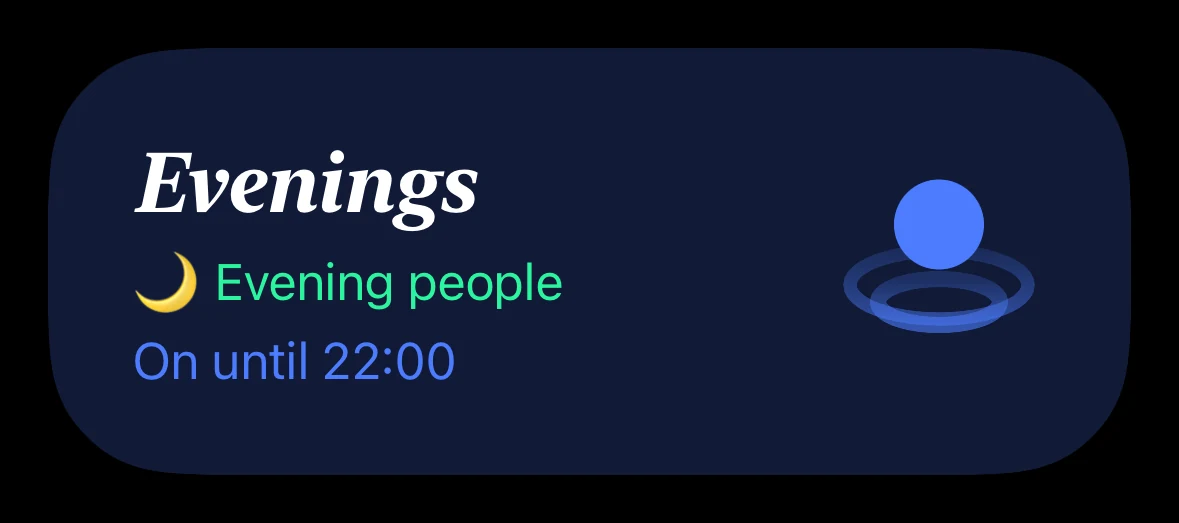
Evenings, with Evening people. On until 22:00.
Apps blocked until 22:00.

On Sam’s iPhone

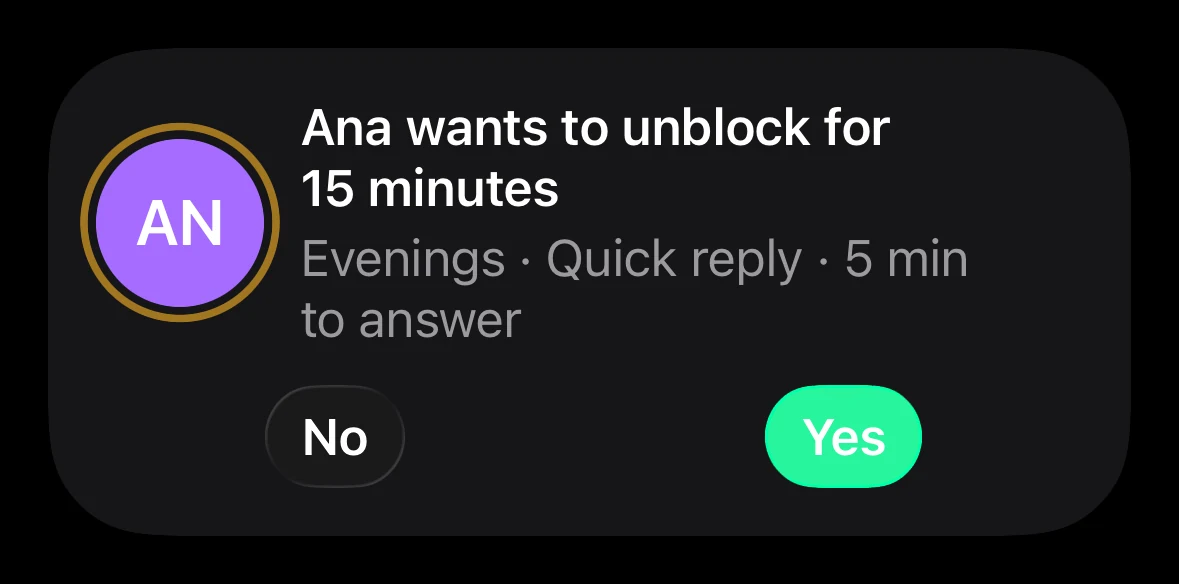
Ana wants to unblock for 15 minutes. Evenings · Quick reply. Sam can answer No or Yes.

Need a break?
Ask your group.

  1. 1

    Your apps are blocked.

    Evenings, 19:00–22:00. Time to put your phone down.

  2. 2

    You ask for a break.

    Choose a reason. Your group gets the request.

  3. 3

    A friend says yes.

    You get 15 minutes. No answer? The block stays on.

This is “Ask your group.” You choose how strict each rule is.
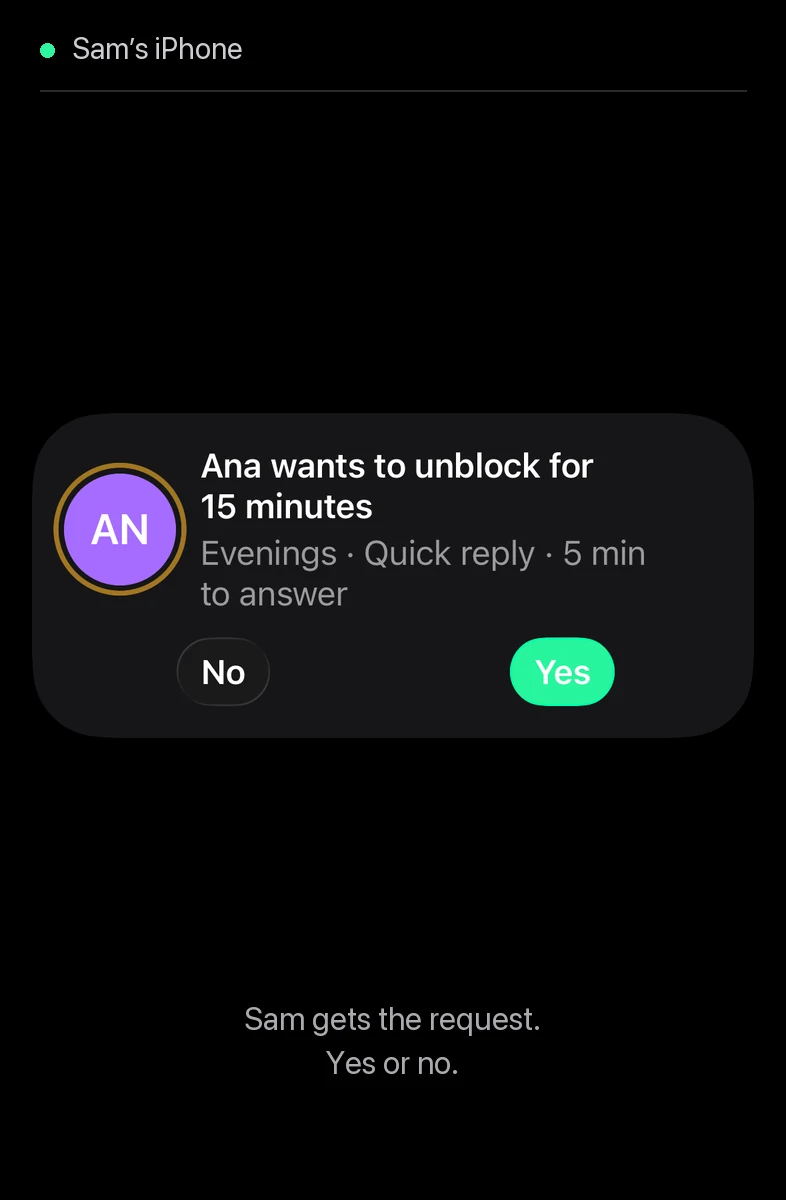
Ripple’s Ask your group flow: Ana chooses Quick reply, asks her group, Sam answers Yes, and Ana gets a 15-minute break.
From the Ripple app · 14 secondsStill preview
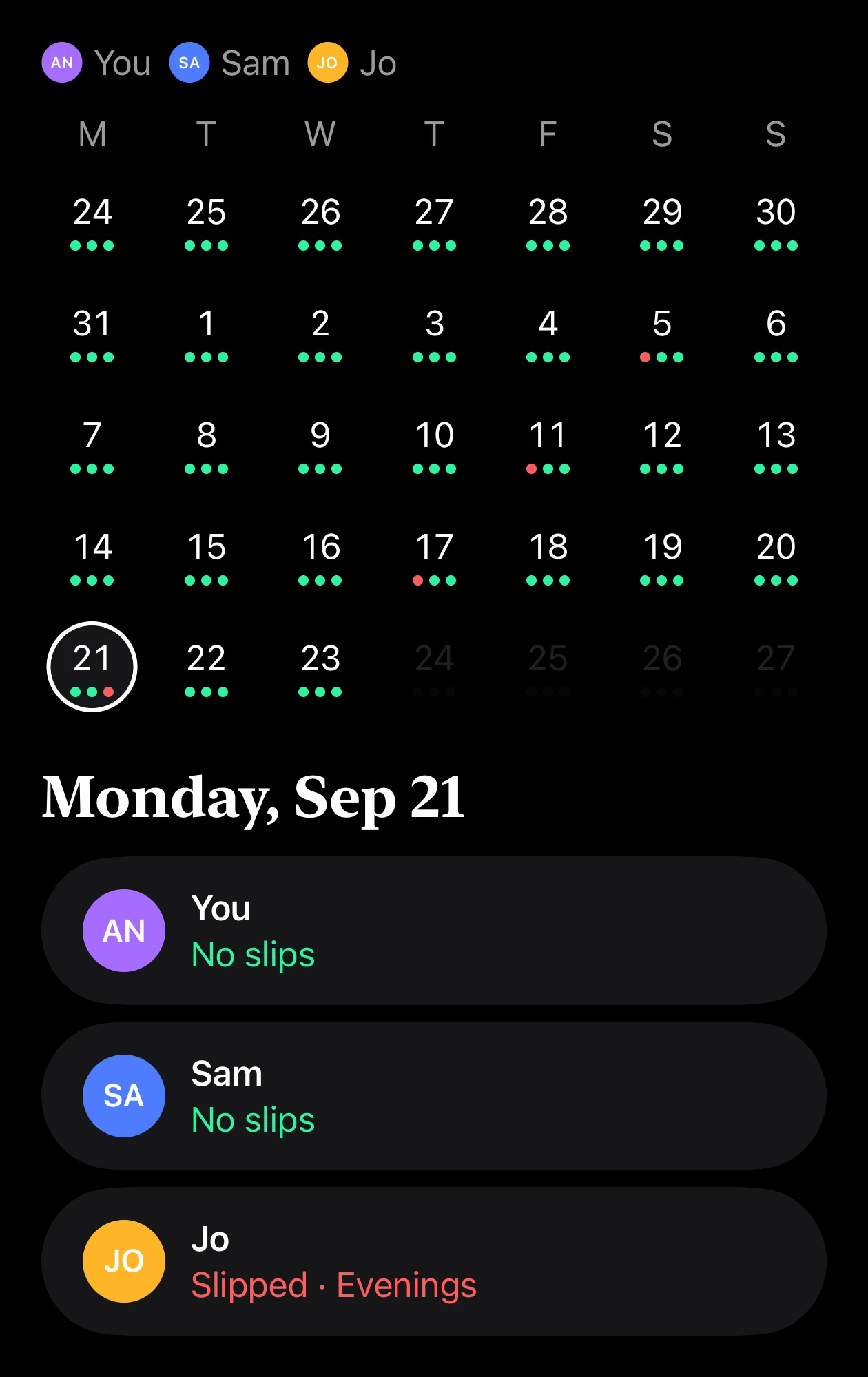
See how your
group is doing.

A calendar of the days everyone held their rules, and the times someone slipped.

No slips Slipped

Your group sees when you slip.
Never which apps you open.

🌙 Evening people3 friends
Ripple group calendar with a dot for each friend. On Monday 21 September, Ana and Sam had no slips; Jo slipped on Evenings.

Questions

Do I need a group?

No. You can block apps on your own. To tell or ask a group, invite friends who also use Ripple.

What if I really need an app?

You choose the rule: wait 10 seconds, tell your group, or ask someone to approve a 15-minute break. With Hard block, apps stay blocked until the rule ends.

What can my group see?

Shared rules, slips, streaks, and phone-time totals when available. Your app selections and personal rules stay on your iPhone. Your group never sees which apps you open.

When can I get Ripple?

Ripple is coming soon to iPhone, with iOS 26 or later. The download link will appear here when it’s available.

Block apps.
With your friends.

Coming soon to iPhone